
AI Design Tool
Turn a short brief into logos, social posts, ads, and brand visuals. This AI Design Tool delivers clean, ready-to-use designs in minutes — free to try.
Feedback

freeTrialImage.bannerPity
freeTrialImage.upgradeUnlock
- ✓freeTrialImage.benefitHd
- ✓freeTrialImage.benefitWatermark
- ✓freeTrialImage.benefitUnlimited
AI Tools
Explore AI tools
MiniMax H3
MiniMax H3 AI Video Generator
Seedance 2.5
The Future of AI Video Is Here.

Seedance 2.0
The Future of AI Video Is Here.

Veo3.1
Create Stunning Videos with Veo3.1
FLUX 3 Video Generator

Kling 3.0
Next-Gen AI Video Generator
Grok Video Generator
Create Videos from Text or Images with AI
MiniMax H3 video generator
MiniMax H3 AI Video Generator
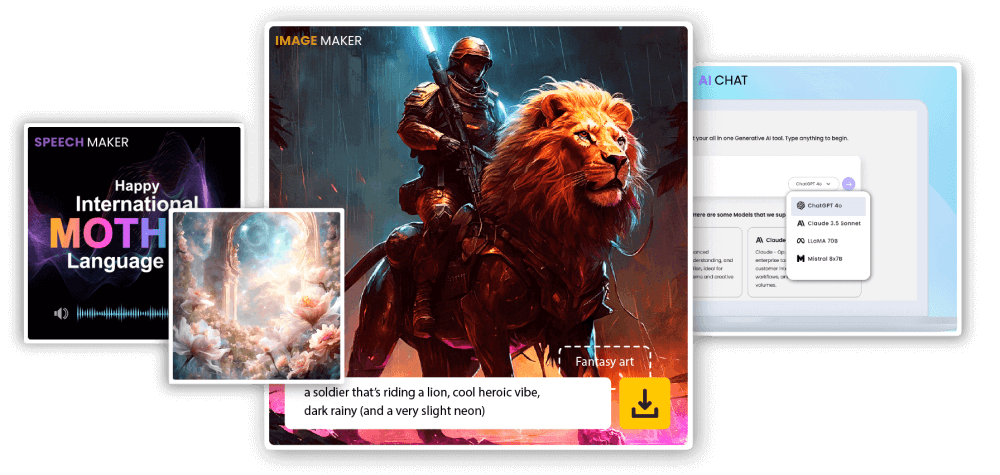
Why creators choose this AI Design Tool
Describe the brief once and let this AI Design Tool shape visuals for your website, ad campaigns, and social feeds — no templates to fight with.
- Intelligent layoutsBuilds clean, balanced compositions that already look designed.
- Rapid draftsGet several distinct directions to compare in one session.
- Ready for brand useDownload files that drop straight into your brand kit.
What you can make with AI Design Tool
Create on-brand visuals faster with fewer steps.
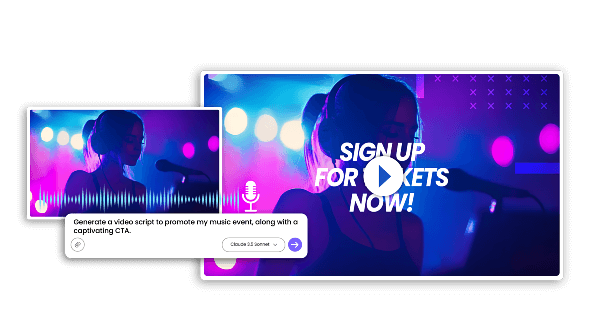
How to use the AI Design Tool step by step
Go from a blank page to a finished design in three short steps.
What the AI Design Tool does best
Layout templates, instant edits, and quick exports for everyday marketing design work.
Layout Templates
Begin from clean, well-balanced starting points.
Simple Edits
Swap wording and palettes without touching layers.
Design Intelligence
Reads your brief and keeps the original intent intact.
Quick Output
See multiple variations appear in seconds.
Consistent Look
Hold one visual language across every asset.
Reusable Assets
Resize and repurpose one design for any channel.
AI Design Tool: frequently asked questions
Straight answers about this AI Design Tool before you start creating.
What exactly is an AI Design Tool?
It is an online design generator: you describe what you need, and the AI Design Tool builds the layout, colors, and text placement for you.
What kind of graphics can I create?
Logos, social media posts, ad banners, and other brand visuals sized for the channel you publish on.
How long does a design take?
Most results appear in a minute or two, so you can iterate on ideas quickly.
Can I download the finished design?
Yes, every result can be downloaded right after it finishes generating.
Are the designs safe for commercial use?
Usage rights follow the plan you choose, so check your plan details before publishing.
Why should I use this AI Design Tool?
It removes the blank-page problem and keeps every asset on the same visual track.
Start creating with AI Design Tool
Describe your idea and let this AI Design Tool handle the layout. Start free today.