
AI Virtual Try On
Swap outfits on any photo with AI Virtual Try On. See true-to-life fit, fabric texture and lighting while your face and pose stay exactly the same.
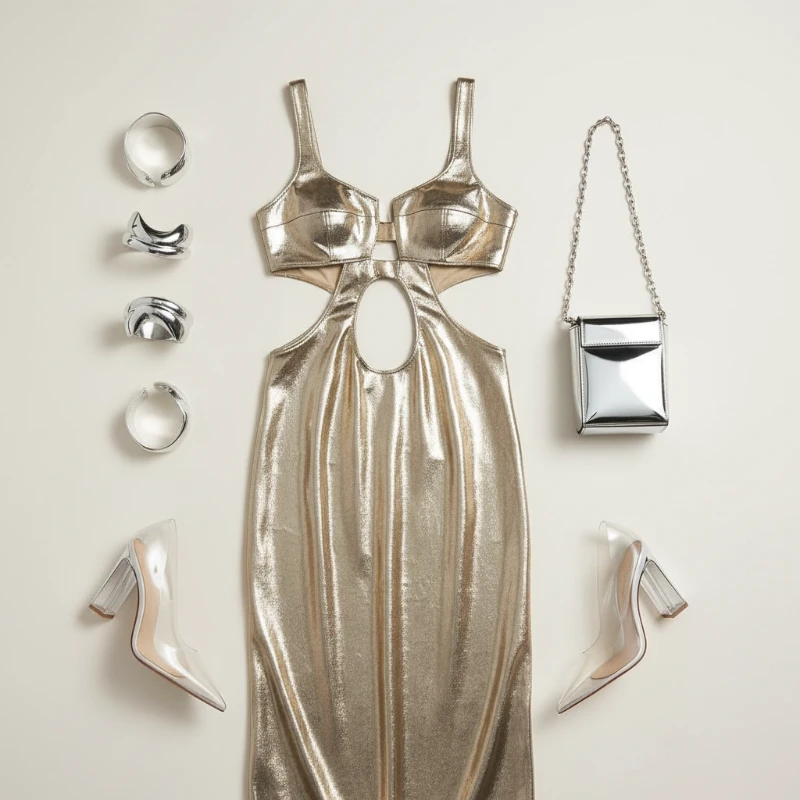
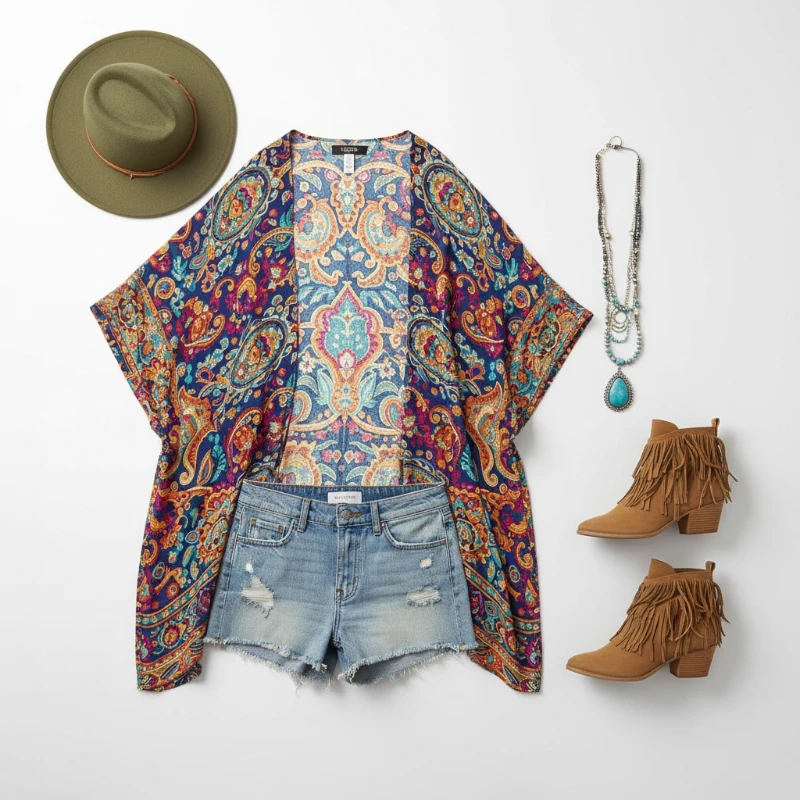
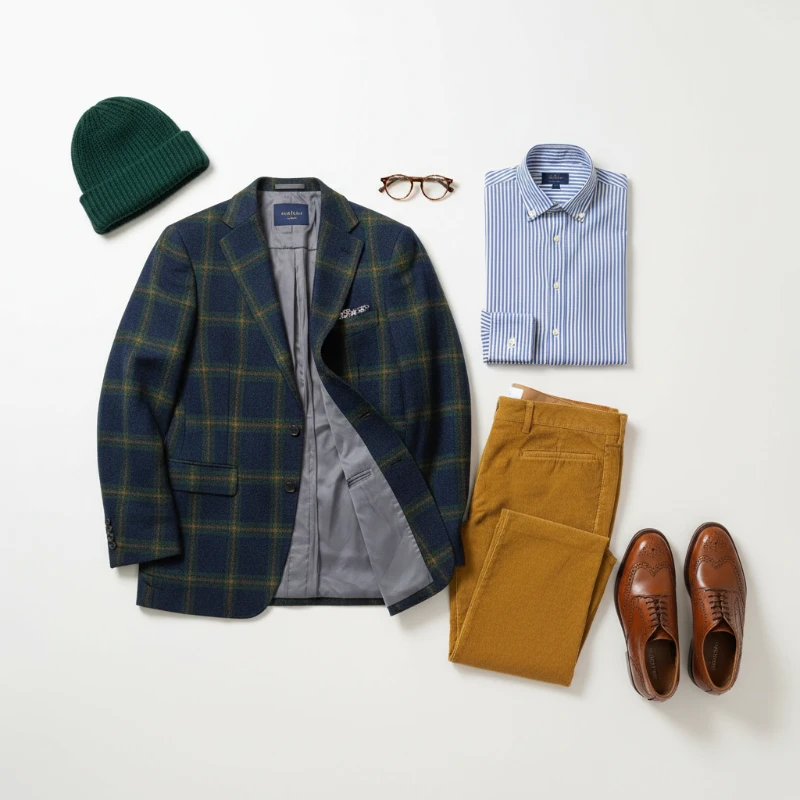
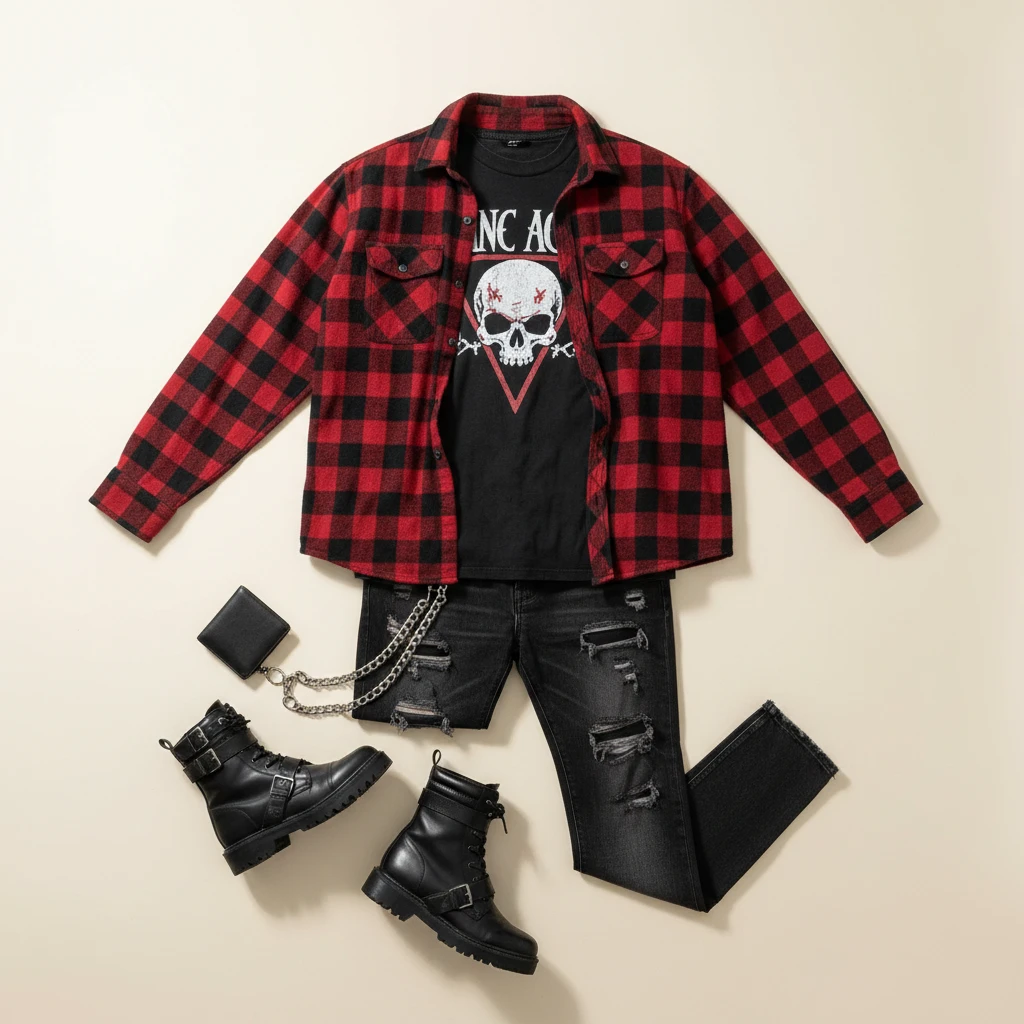
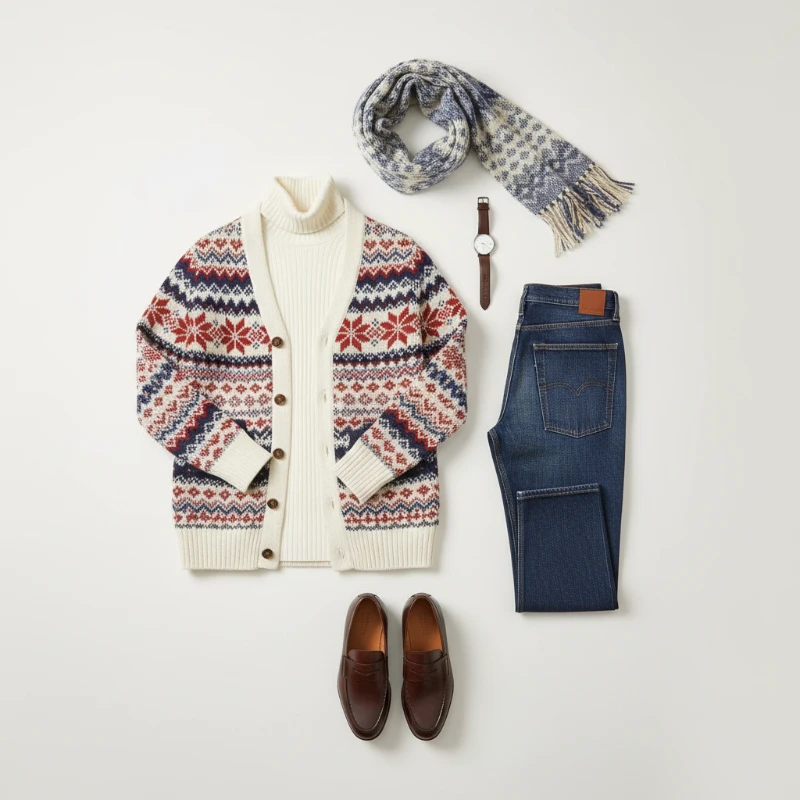
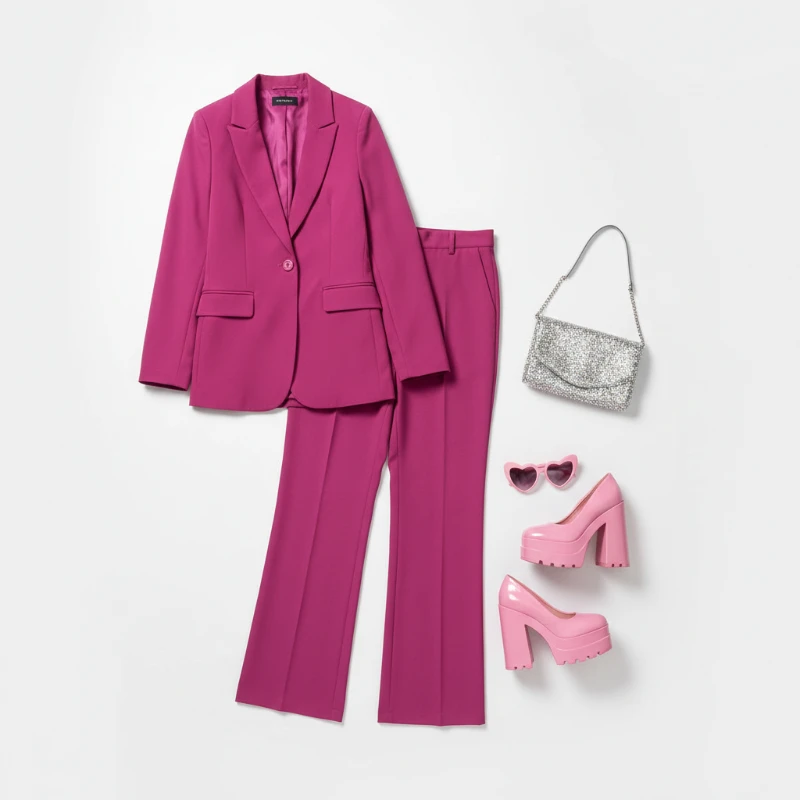
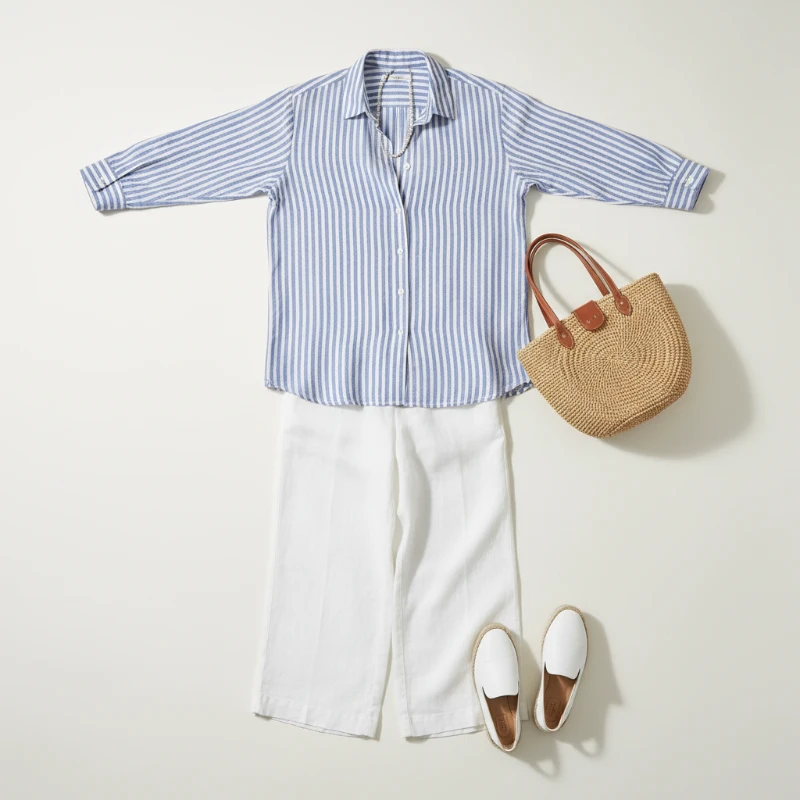
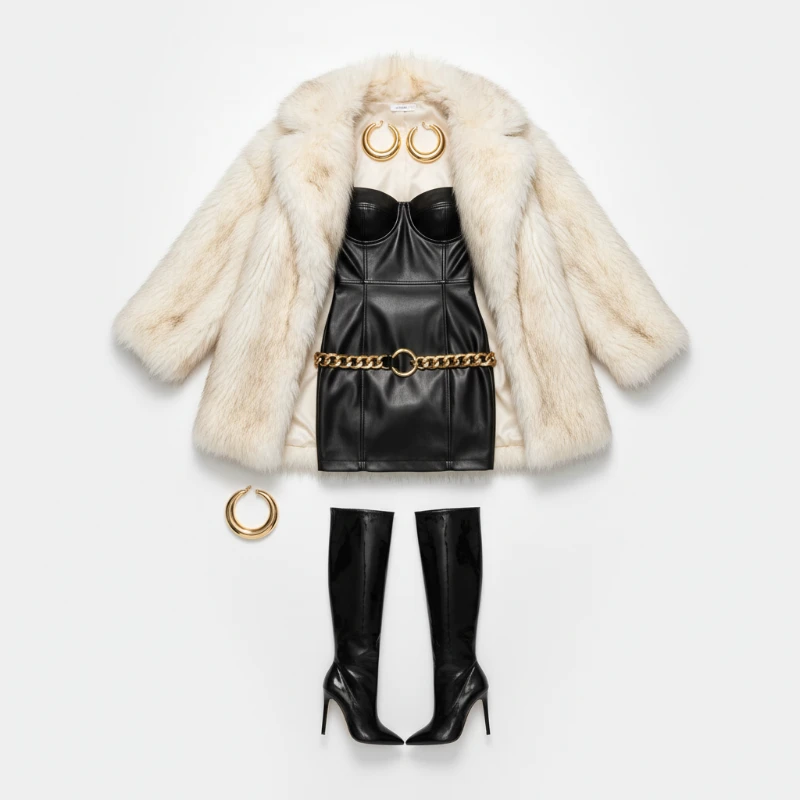
Feedback
AI Creative Tools
Explore AI creative tools

Free AI Image
Truly Free AI Image Generator

AI Image Editor
AI Photo Editor Online

Image Upscaler
Enhance image resolution effortlessly

AI Color Changer
Transform photo colors in seconds

AI Room Designer
Design your dream room with AI-powered 3D rendering

Skin Enhancer
Enhance skin texture naturally with AI
Face Editor
Enhance face texture naturally with AI

AI Clothes Changer
Smart Virtual Styling, Powered by AI
Drop in a photo, pick a garment, and let AI Virtual Try On render fit, drape and fabric texture in seconds.
- Believable Garment SwapsYour face, posture and body proportions stay untouched while the new garment takes over, powered by AI Virtual Try On.
- Speedy PreviewsGet a polished try-on image in seconds, ready to compare, decide and post.
- Crisp, Share-Ready OutputFabric weave, folds and shadows render naturally, so every result looks like a real photo shoot.
Why Choose AI Virtual Try On
Accurate fit previews, quick processing, and easy sharing for e‑commerce and social use.
Your Virtual Fitting in Three Simple Steps
Bring a photo, pick a look from the style library or upload your own garment shot, then let AI Virtual Try On render and save the final preview.
What Our Virtual Try-On Engine Does Best
From precise fit control to mobile-friendly speed, AI Virtual Try On is engineered for convincing, ready-to-publish outfit previews.
Lifelike Garment Swaps
Garments land naturally on your silhouette, and your face and stance stay exactly as they were.
Granular Style Control
Tune color, cut and silhouette with detailed controls until the look matches your intent.
Seamless Blending
Lighting, shadows and cloth texture stay consistent, so nothing ever looks pasted on.
Rapid Rendering
Built for phones and online store workflows, so previews arrive without long waits.
Publication-Ready Quality
High-resolution results that hold up on product listings, ads and social feeds.
Frictionless Workflow
Upload, preview, download — a short loop that makes testing dozens of looks effortless.
Questions About Virtual Try-On, Answered
Answers on image quality, turnaround time and the smartest ways to use AI Virtual Try On.
How does AI Virtual Try On actually work?
It reads your photo, maps your body and pose, then drapes the chosen garment over you with matched lighting and shadows — no studio required.
Which photos give the best results?
Sharp, well-lit portraits or full-body shots work best. Avoid heavy filters, motion blur or clothing that hides your silhouette.
How fast is the turnaround?
Most renders land within one to two minutes, depending on image size and how complex the outfit is.
Can I save and reuse the images?
Yes — download full-resolution files for product pages, mood boards or social posts.
Do I have to pay to try it?
You can start with a free trial; paid plans unlock extra credits and priority rendering.
What are the main benefits?
Shoppers gain confidence before buying, and creators get scroll-stopping outfit content without booking a photoshoot.
Ready to Try On Something New?
Upload a photo, pick a garment and let AI Virtual Try On show you the fit — realistic, fast and ready to share.