
Bg Remove
Turn busy photos into polished cutouts with Bg Remove: accurate edges, faithful colors, and files ready to use right away.
Feedback
All Tools
Browse AI tools
MiniMax H3
MiniMax H3 AI Video Generator
Seedance 2.5
The Future of AI Video Is Here.

Seedance 2.0
The Future of AI Video Is Here.

Veo3.1
Create Stunning Videos with Veo3.1
FLUX 3 Video Generator

Kling 3.0
Next-Gen AI Video Generator
Grok Video Generator
Create Videos from Text or Images with AI
MiniMax H3 video generator
MiniMax H3 AI Video Generator
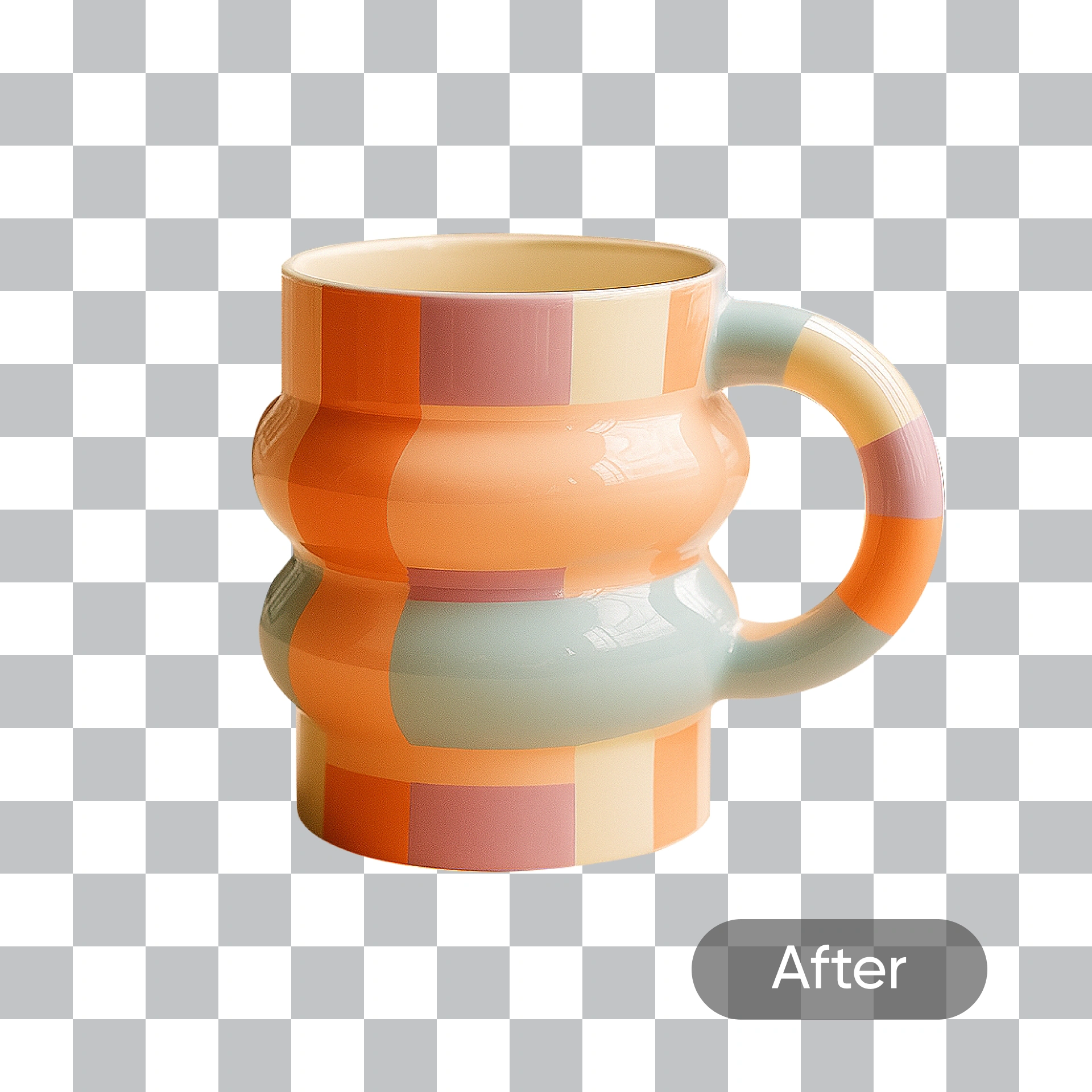
Inside Bg Remove: Precision Background Editing Made Simple
This background remover isolates your subject with clean edges, preserves fine hair and natural lighting, and swaps in new scenes in seconds.
- Crisp OutlinesFine details stay intact for polished cutouts.
- Clutter-Free ScenesStrip away busy surroundings in one pass.
- Faithful TonesOriginal colors and lighting remain unchanged.
Why Bg Remove
Fast cutouts, clean edges, and ready-to-use results from Bg Remove.
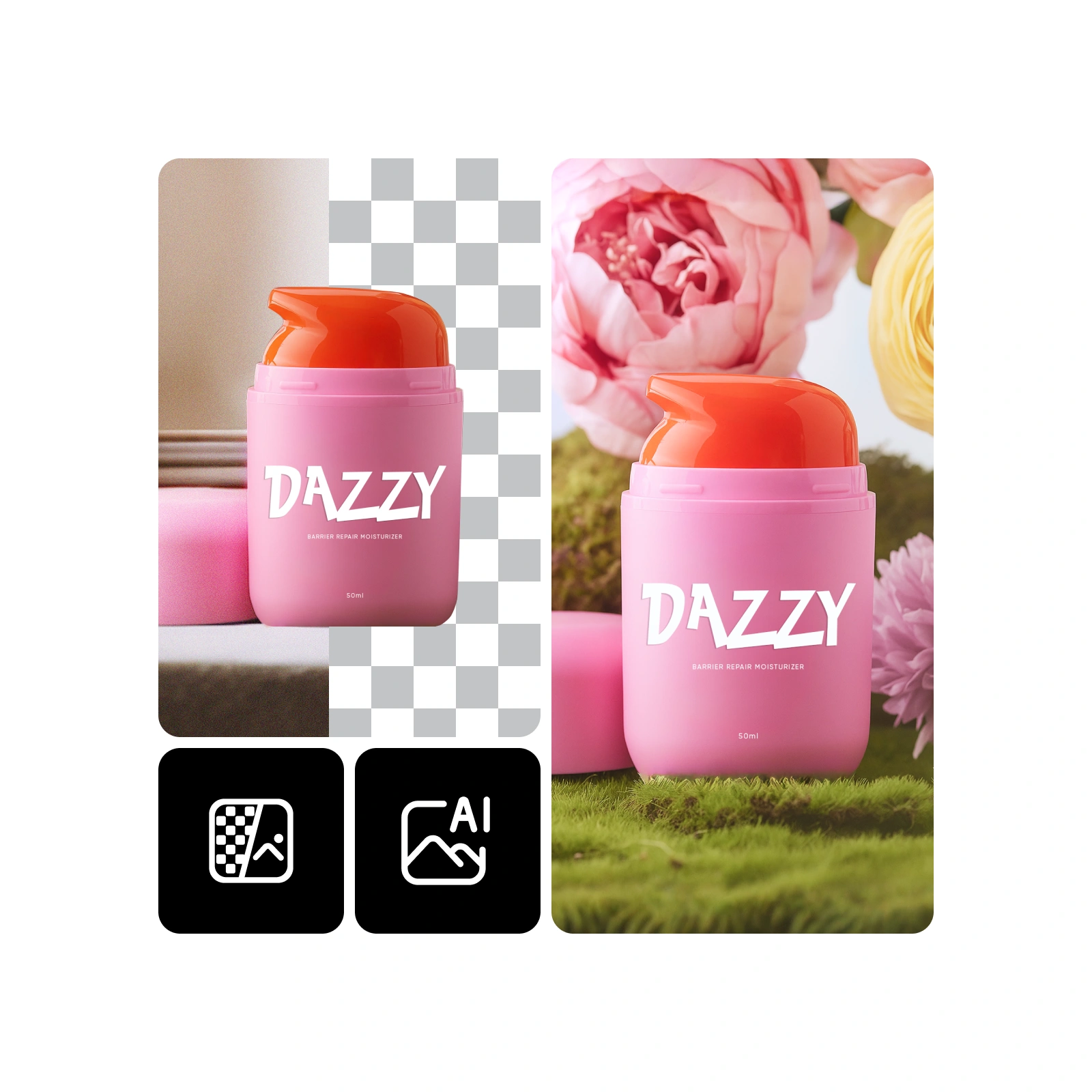
How to Use Bg Remove in Four Steps
Add your image, let Bg Remove isolate the subject, pick a fresh backdrop if you like, and save a transparent PNG or finished picture.
What Bg Remove Can Do for Your Images
From detailed cutouts to color-safe background swaps, Bg Remove handles product shots, portraits, and marketing visuals with ease.
Accurate Isolation
Bg Remove traces edges closely, so products and subjects look naturally separated.
Fine Detail Protection
Strands, fur, and delicate textures stay visible after processing.
Portrait-Friendly Editing
Skin tones and facial features remain true during background changes.
Fewer Edge Halos
The tool reduces color spill and fringing around difficult outlines.
Consistent Color
Lighting and original hues are preserved for a realistic finish.
Quick on Mobile
Optimized processing delivers fast results on phones and tablets.
Bg Remove: Common Questions Answered
Find quick answers about cutout quality, supported images, processing speed, and commercial use with Bg Remove.
What does Bg Remove do?
It isolates the main subject and either erases or replaces the original background.
Why choose this background remover?
Bg Remove combines edge precision, hair-detail retention, and fast processing in one workflow.
Which images can I edit?
Use it for products, portraits, logos, banners, and other marketing visuals.
How fast is processing?
Most Bg Remove jobs finish in under a minute, depending on image complexity.
Will faces look natural?
Yes. Facial features and skin tones are preserved during background replacement.
Can I use results commercially?
Commercial use is available according to your plan terms.
Start Using Bg Remove Today
Drop in a picture and let Bg Remove deliver a crisp, transparent cutout you can download immediately.