
Photo To Sketch
Upload a picture and watch it become a hand-drawn illustration in seconds. This free photo to sketch tool offers pencil, charcoal, ink and watercolor looks.
Feedback

freeTrialImage.bannerPity
freeTrialImage.upgradeUnlock
- ✓freeTrialImage.benefitHd
- ✓freeTrialImage.benefitWatermark
- ✓freeTrialImage.benefitUnlimited
AI Tools
Explore AI tools
MiniMax H3
MiniMax H3 AI Video Generator
Seedance 2.5
The Future of AI Video Is Here.

Seedance 2.0
The Future of AI Video Is Here.

Veo3.1
Create Stunning Videos with Veo3.1
FLUX 3 Video Generator

Kling 3.0
Next-Gen AI Video Generator
Grok Video Generator
Create Videos from Text or Images with AI
MiniMax H3 video generator
MiniMax H3 AI Video Generator
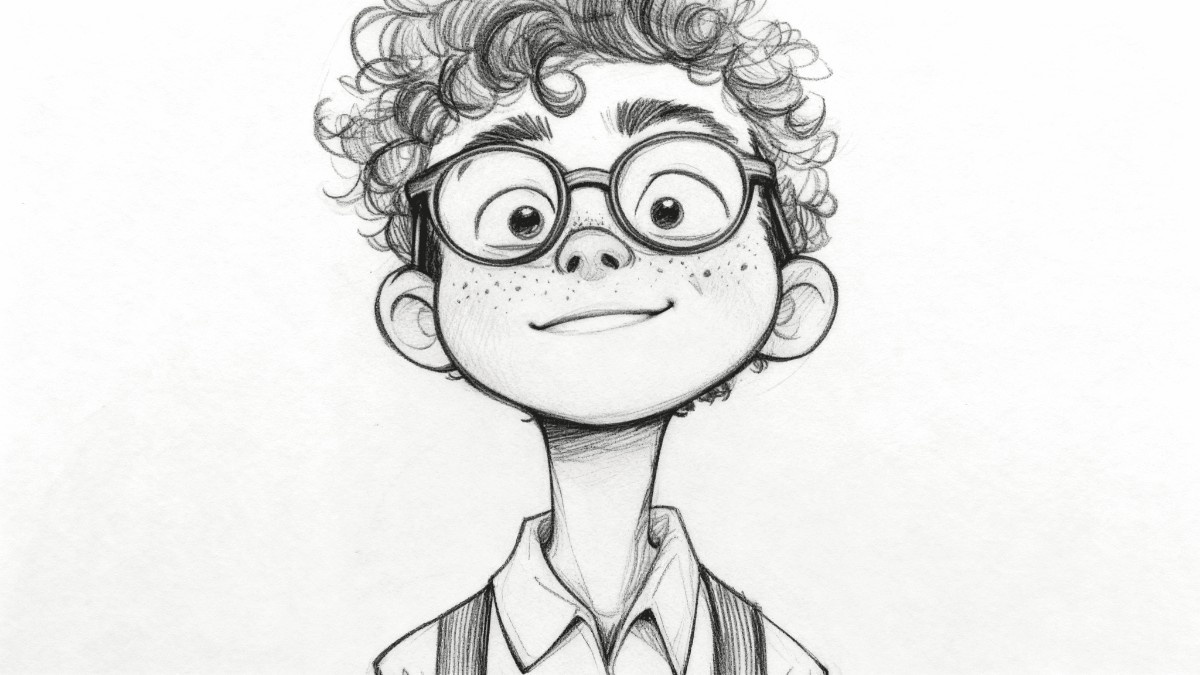
A Smarter Way to Sketch Any Photo
This online photo to sketch engine redraws your pictures in pencil, charcoal, ink or watercolor, giving artists, sellers and gift-makers print-ready line art in moments.
- Six Drawing StylesPencil, charcoal, ink, watercolor and more.
- Ready in SecondsNo queues and no waiting around.
- Print-Ready OutputCrisp files that hold fine detail.
Three Steps to Your Finished Sketch
Upload an image, choose the drawing style you like, and let our photo to sketch engine do the rest — the finished sketch is ready to download or share right away.
Built for Detail, Speed and Scale
From single portraits to whole albums, this photo to sketch tool keeps line work clean and textures believable — with batch runs and high-resolution exports for print or web.
Pencil Sketch
Soft graphite shading with visible strokes.
Charcoal Art
Deep contrast and smoky, dramatic tones.
Ink Drawing
Crisp outlines for comic and line art.
Watercolor Wash
Blended color with a hand-painted feel.
Batch Mode
Queue a whole folder in one run.
Detail Keeper
Facial features and textures stay sharp.
Questions About the Sketch Converter
Everything people ask before their first conversion — styles, speed, batch limits, file quality and cost.
What exactly does this tool do?
It redraws an ordinary photograph as a drawing — pencil, charcoal, ink or watercolor — using AI, so no manual tracing is needed.
Which drawing styles can I pick?
Four main looks: pencil, charcoal, ink and watercolor, plus variations of each.
Can I convert a whole album?
Yes. Batch mode lets you queue several images and convert them in one go.
Will the sketch be sharp enough to print?
Outputs are high resolution and keep fine lines, so they hold up on posters, cards and canvas.
Do I need to pay or sign up?
Basic conversions cost nothing and need no account; paid plans add more credits and larger sizes.
How long does one conversion take?
Most images finish within seconds; larger batches may take a minute or two.
Give Any Photo a Hand-Drawn Look
Pick a style, hit convert, and save a high-resolution sketch in under a minute — free to try, no account required.