AI Face Editor — Fast, Natural Portrait Retouch
Edit portraits quickly with AI Face Editor: smooth skin, keep real texture, and export mobile-ready photos.
Feedback
AI Tools
Explore our AI-powered tools.
MiniMax H3
MiniMax H3 AI Video Generator

Seedance 2.0
The Future of AI Video Is Here.

Veo3.1
Create Stunning Videos with Veo3.1
FLUX 3 Video Generator

Kling 3.0
Next-Gen AI Video Generator
Grok Video Generator
Create Videos from Text or Images with AI
MiniMax H3 video generator
MiniMax H3 AI Video Generator

Seedance 2.0
The Future of AI Video Is Here.
About AI Face Editor
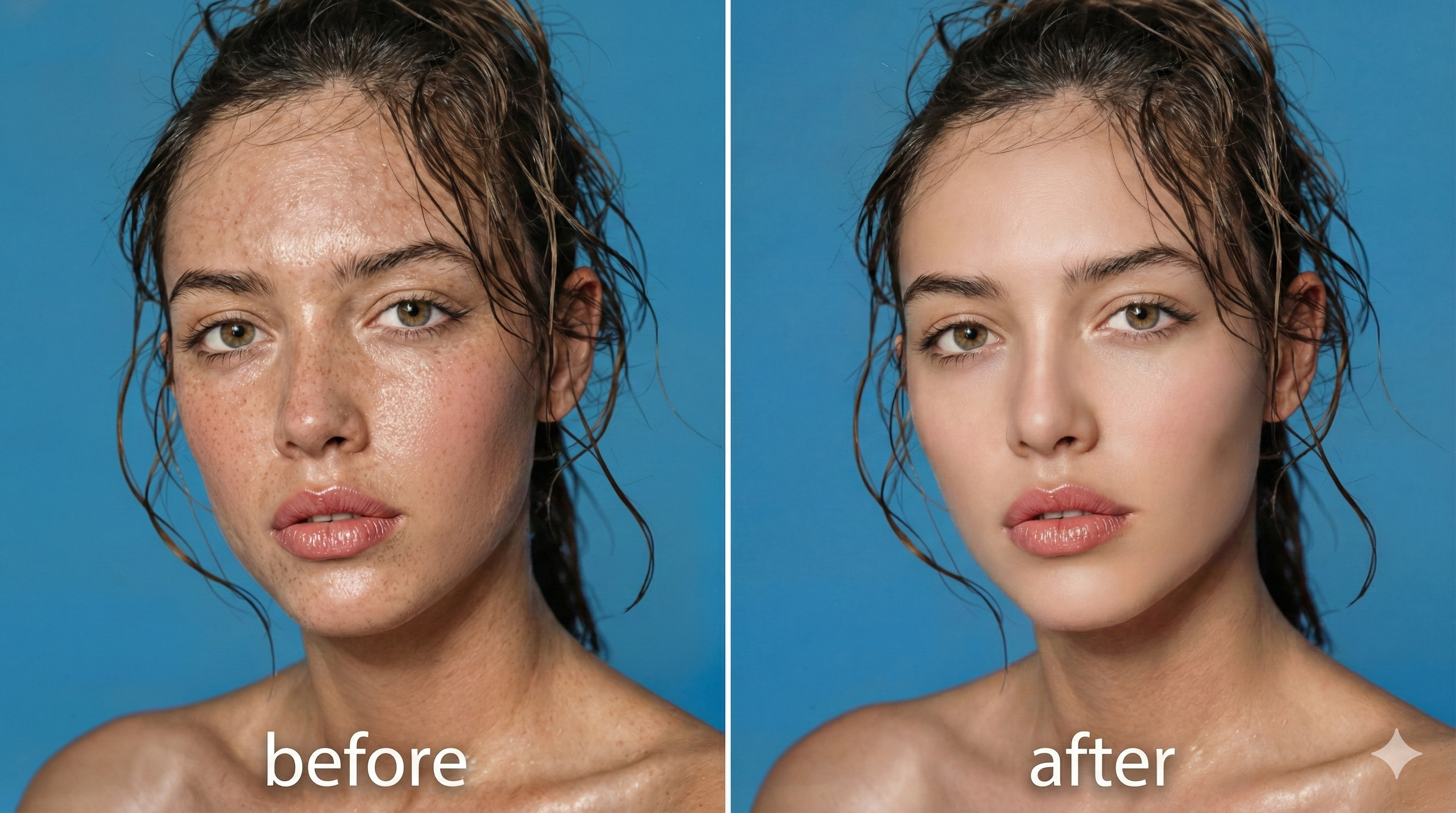
AI Face Editor uses smart AI to remove blemishes, even tone, and preserve realistic skin texture for natural portraits.
How AI Face Editor Works
Quick portrait retouch in three steps with AI Face Editor: upload, choose look, and download.
AI Face Editor Features
Natural Results
Smooth skin while keeping pores and realistic detail with AI Face Editor.
Fast Processing
Get enhanced photos in about 1–2 minutes using AI Face Editor.
Mobile-Ready
Optimized outputs for social and mobile sharing from AI Face Editor.
AI Face Editor FAQ
Answers on speed, quality, and natural retouching with AI Face Editor.
What is AI Face Editor?
A fast AI tool to remove blemishes and enhance skin while keeping realistic texture.
What does AI Face Editor fix?
Removes acne, spots and evens tone without over-smoothing skin.
How long does AI Face Editor take?
Most edits finish in 1–2 minutes using AI Face Editor.
Will results look natural?
Yes — AI Face Editor preserves pores and fine detail for believable results.
Can I use outputs commercially?
Check plan details — premium tiers offer commercial rights for AI Face Editor outputs.
Start Using AI Face Editor Today
Transform portraits with AI Face Editor for smooth, natural skin ready to share.